There is no single reset procedure for every GE washing machine. The correct approach depends on the full model number, the symptom, and the instructions for that appliance. Before attempting a documented restart, record any displayed error code and note where the cycle stopped.
This guide explains how to identify the right instructions and distinguish a cycle cancellation from a control restart or model-specific motor reset. Repeated faults need diagnosis. Do not keep restarting a washer that returns to the same problem.
Identify Your GE Washer Before Choosing A Procedure
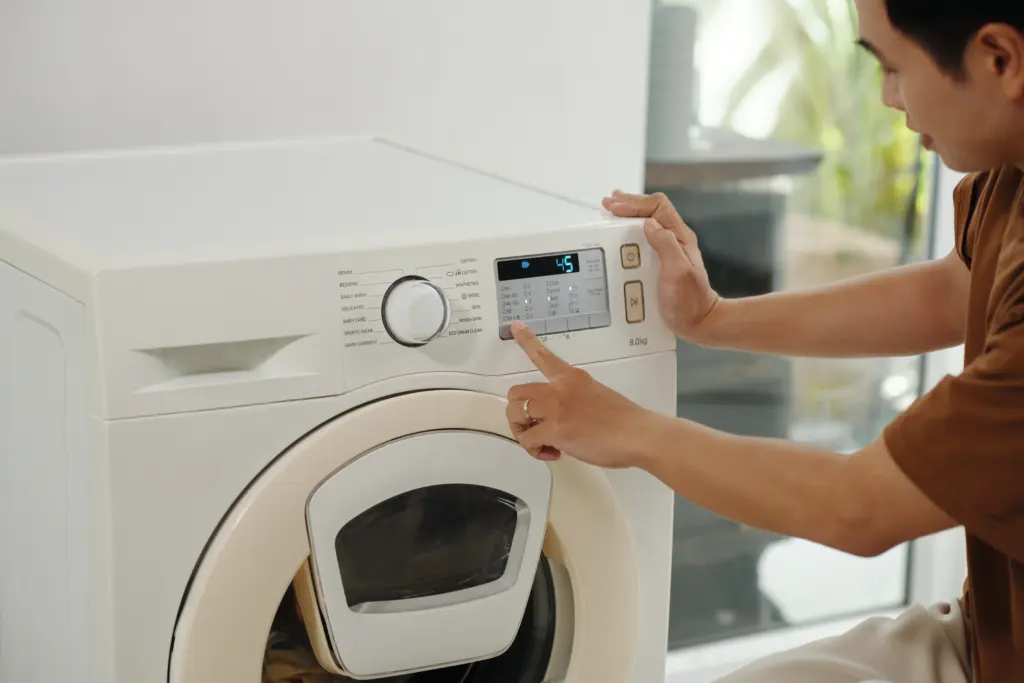
Find the complete model number using an accessible identification label, the original paperwork, or an existing appliance registration. Include all letters and numbers when locating the matching owner’s manual. Do not choose instructions solely because a washer looks similar or has the same control-panel button.
Do not pull out stacked or tightly installed equipment to search for a label or reach the plug. If the information is not safely accessible, ask for help through the normal service route. Confirm the model before trying a timed button sequence, lid movement, or power-disconnection procedure.
| Your Goal | What To Check |
|---|---|
| Stop or change the current cycle | The manual’s pause and cancellation instructions |
| Restart unresponsive controls | A documented restart procedure for the exact model |
| Address a possible HydroWave motor issue | Verified motor-system applicability and the correct procedure |
| Resolve a recurring fault | Diagnosis using the model, symptom, and recorded code |
Use your washer’s model details to check the U.S. Consumer Product Safety Commission’s recall database for applicable safety notices. Follow any instructions that specifically cover your appliance.
Canceling A Cycle And Restarting Controls Are Different
Canceling a cycle changes or ends the current wash operation. Restarting controls follows a separate procedure when the model’s instructions provide one. Neither action automatically repairs the cause of an interrupted cycle.
Follow the manual’s exact controls, timing, and expected response. Do not assume holding Start/Pause for several seconds works across GE washers. Likewise, do not assume unplugging clears all stored information or makes a restart more effective. Record the symptom before taking action, then follow only the procedure that applies.
HydroWave Motor Reset Applies Only To Verified Models
GE publishes a motor-reset procedure specifically for top-load washers equipped with its HydroWave wash system. That procedure is not a general GE washer reset and should not appear as an alternative for every top-load or front-load machine.
Before adding motor-reset steps to this article, have the technician verify the demonstration model and applicable documentation. If applicability remains uncertain, leave the sequence out. Do not substitute a guessed service-mode routine or encourage readers to experiment with button combinations.
When to use a reset
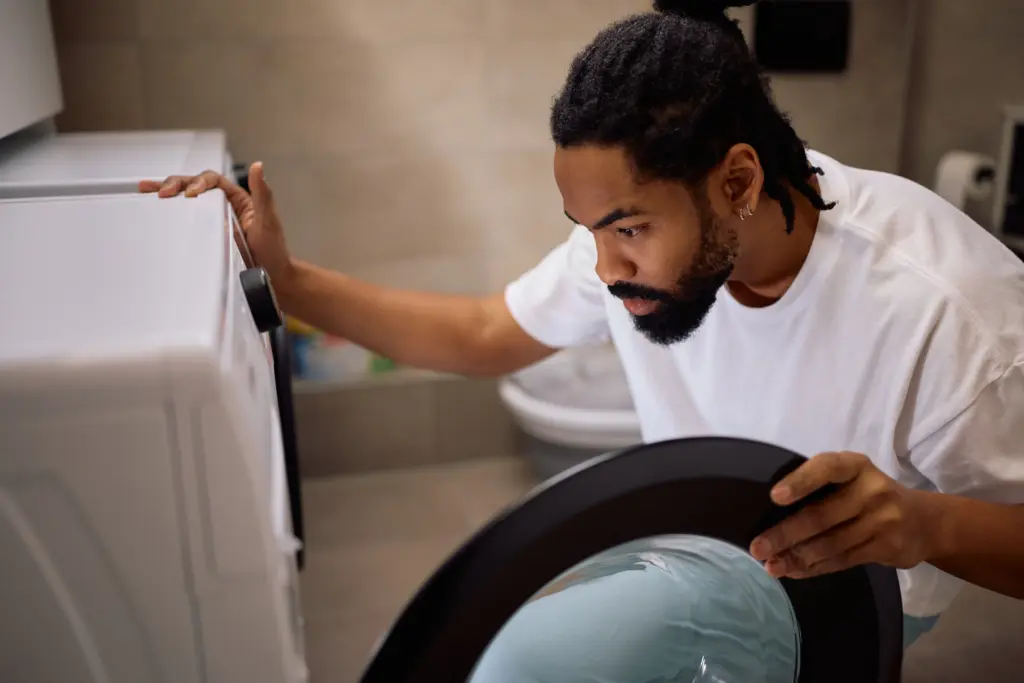
Resets are most useful after power outages, when error codes appear without clear cause, or when cycles stop midway. They also help after clearing obstructions from a pump filter or redistributing laundry in the drum. A reset is essentially the first line of defense before calling a technician. However, if the same error appears repeatedly even after resets, it usually indicates a mechanical issue rather than a software glitch.
Record The Error Before Any Documented Restart
Photograph the displayed message or write it down exactly before following a documented restart. Record any letters, numbers, and flashing indicators. Also note whether the washer stopped while filling, washing, draining, or spinning.
Do not assign universal meanings to E22, E31, or E42 without documentation for the exact model. A code needs context, and a cleared display does not establish that the fault has disappeared. Share the original code and symptoms when arranging service, even if the screen later looks normal.
Precautions before resetting
Follow the access and power instructions in the verified procedure. Do not move stacked equipment, drag a tightly installed washer forward, or reach behind an unstable appliance to disconnect power. When access is unsafe, stop and arrange assistance.
Keep away from electrical connections when water is present. Do not force a locked door, bypass a lid switch, or open the cabinet to perform a reset. If the washer leaks, produces smoke, smells burned, or repeatedly trips electrical protection, stop using it and seek assessment rather than another restart.
What To Do When The Fault Returns
When the same fault returns after a documented restart, stop repeating the procedure. Recurrence does not establish whether the cause involves a mechanical part, electrical connection, control, or another system. Further assessment needs the model and observed symptoms.
Contact washing machine service with the full model number, recorded code, and description of the problem. Explain which documented action you tried and whether it changed anything. This gives the service team a clearer starting point than reporting that the washer “needs another reset.”
How Resets Tie Into Ongoing Maintenance
Follow the maintenance schedule and owner-accessible tasks in your washer’s manual. Routine care does not replace fault diagnosis. Avoid claiming that cleaning prevents every error or that recurring faults always result from overloading or residue.
What resets can’t solve
A reset won’t fix broken pumps, faulty valves, or worn belts. If your washer leaks, grinds loudly, or fails to spin despite resets, it needs service. Similarly, recurring electrical faults may point to control board failure or wiring damage. Recognizing when a reset isn’t enough helps prevent small issues from becoming bigger, more expensive problems.
Local repair trends for GE washers
In Northeast Ohio, many GE washer service calls begin with error codes related to water level sensors and pumps. In some cases, a reset clears the issue if it’s a one-time misread. But repeated “E31” or “E42” codes usually mean a clogged hose or failing pump. Similarly, door lock errors often persist until the latch assembly is replaced. In these cases, resets serve as temporary relief, not permanent solutions. Knowing how to reset washing machine GE is helpful, but pairing it with timely service is the real key to longevity.
Resets for smart GE washers
Recent GE models with Wi-Fi connectivity may need resets through the SmartHQ app. If your washer appears online but unresponsive, disconnect the appliance in the app, power cycle the machine, and reconnect. Firmware updates from GE also improve stability and reduce errors. For households using smart features, staying updated ensures resets are less frequent and more effective.
Why professional service may still be needed
If your washer won’t respond to resets, shuts down randomly, or repeatedly displays the same error, it’s time for professional diagnostics. Appliance technicians use specialized tools to test electrical components, sensors, and wiring continuity. For dependable repair in Northeast Ohio, My Appliance Guy offers service across all GE washer models, ensuring the right fix the first time.
Talk to a local expert when resets aren’t enough
The correct GE washer reset starts with model identification and verified instructions. Record errors first, distinguish cancellation from restarting, and avoid undocumented service-mode sequences. For recurring faults, contact My Appliance Guy at (440) 409-4541 to discuss washing machine service in Northeast Ohio.