How to reset LG dishwasher controls depends on the exact model and the problem you are experiencing. A locked panel, an interrupted cycle, and a returning error need different checks. Start by recording the displayed message and locating the matching owner’s manual.
Do not attempt a restart when the dishwasher leaks, smells burned, or repeatedly trips electrical protection. A cleared display does not prove that a leak or drainage fault has been repaired. Stop using the appliance and arrange assessment when these symptoms occur.

Identify The Model And Check The Symptom First
Find the complete model number on an accessible identification label, your purchase paperwork, or an existing appliance registration. Use that number to locate the correct owner’s manual. Similar-looking controls do not establish that two dishwashers use the same instructions.
Record what happens when you try to start the machine. Note whether the panel lights up, a lock indicator appears, the door closes normally, or an error returns. Photograph the display before any documented restart. Do not pull a built-in dishwasher out of its cabinet to reach a label or plug.
Keep a short record of the problem alongside the model number. Note when the dishwasher last completed a normal cycle and what happened before the current issue appeared. Include any recent power interruption, installation work, or change in behavior. These details provide context without proving the cause. When checking instructions, make sure the document includes your complete model number rather than just a similar product name. Save the relevant manual pages so you can refer to them during a service call. You do not need to move the appliance or remove panels to prepare this information.
| Symptom | First Check | Stop Point |
|---|---|---|
| Dishwasher will not start | Door closure and the manual’s starting instructions | Damaged latch, recurring failure, or an electrical symptom |
| Controls appear locked | The model’s Control Lock instructions | Controls remain unresponsive after the correct procedure |
| Error returns | Record the code and consult model-specific guidance | Do not repeat resets to suppress the message |
| Leak or drainage problem | Stop routine restart attempts and seek appropriate troubleshooting | Water outside the appliance or a recurring fault |
Check Door Closure When The Dishwasher Will Not Start
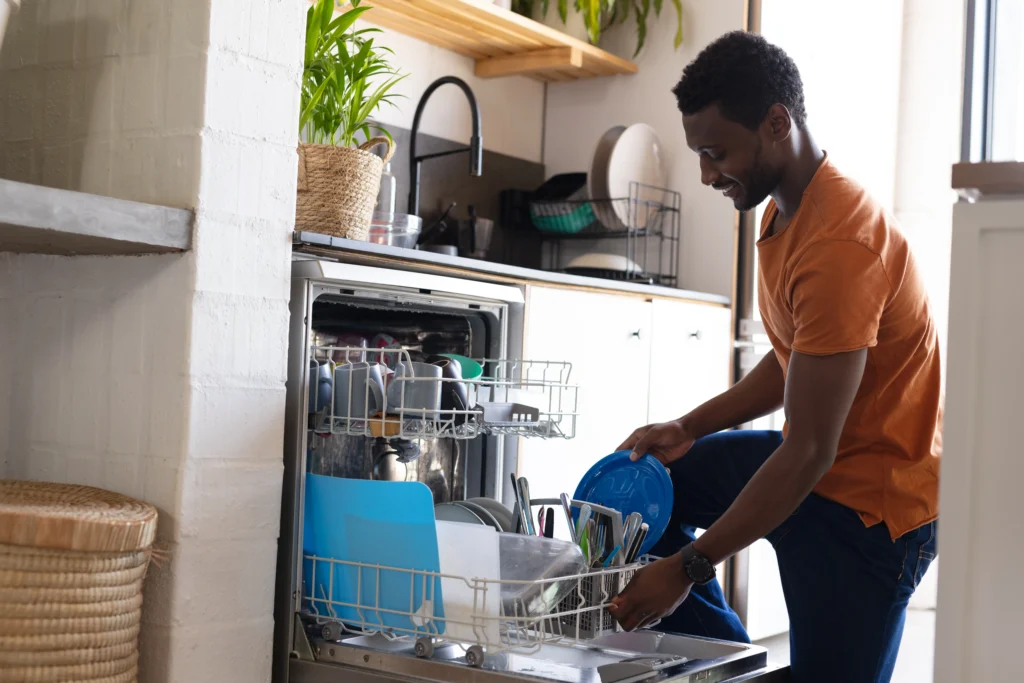
Check whether a dish, utensil, or incorrectly positioned rack prevents the door from closing normally. Correct an obvious obstruction only when you can do so safely. Do not slam the door, force the latch, or bypass its safety mechanism. Follow the starting instructions for your exact model. If the door closes normally but the dishwasher still will not start, record the panel’s response. A dark display, a lock indicator, and a returning error provide different information. Do not treat every starting problem as a reason to disconnect power.
Look at how the racks and dishes sit before trying the door again. An item extending beyond a rack can obstruct closure even when the dishwasher does not look overloaded. Reposition an obvious obstruction without reaching into concealed areas or handling damaged parts. If the door still needs unusual pressure to close, stop rather than repeatedly pushing it shut. Describe whether the resistance occurs at the same point and whether the latch appears visibly damaged. A door problem needs its own assessment, so do not assume a control restart will correct it or make the latch safe to use.
Check Control Lock Using The Correct Manual
A control-lock setting can make buttons appear unresponsive. Check the display and the owner’s manual before assuming the control board has failed. Follow only the unlocking instructions listed for your model. Do not use Dual Zone and Energy Saver as a universal unlock combination. Do not assume holding Start or Cancel restores factory settings. A cycle-cancellation command, an unlock command, and a documented restart serve different purposes.
Before pressing another combination, note which indicators are illuminated and whether the buttons produce any response. Explain whether the panel is completely dark, shows a lock symbol, or responds to some controls but not others. These observations are more useful than describing every situation as a frozen dishwasher. After following the correct unlocking instructions, check whether the indicator and button response change. Do not cycle through combinations from different online guides. If the manual does not describe the display you see, preserve a photograph and ask for help identifying it rather than guessing what the setting means.

Record Returning Errors Before Further Troubleshooting
Write down the complete error message and when it appears. Explain whether the dishwasher stops before filling, during washing, or while draining. This information helps distinguish the original fault from a change in the display.
Check code meanings against documentation for the exact model. Do not assume that a returning error always identifies failed hardware, or that removing the message repairs the cause. When a fault returns after a documented action, stop repeating that action and arrange diagnosis.
Do not continue running cycles to see whether a leak disappears. LG’s error guidance treats leakage and overfilling separately from ordinary control symptoms and directs persistent problems toward service.
Restart Only When The Documented Procedure Applies
Include a restart procedure only after the technician verifies the exact model and applicable documentation. Keep its model condition directly beside the instructions. Do not publish a general timing or button sequence borrowed from another appliance.
Never pull a built-in dishwasher out to unplug it. Do not remove access panels or reach toward wet electrical connections. If the documented procedure requires power access you cannot safely identify or reach, stop and request assistance.
The U.S. Consumer Product Safety Commission’s home wiring guidance identifies repeated breaker trips associated with one appliance as a reason to obtain qualified help. Do not keep resetting the breaker to continue using the dishwasher.
When To Arrange Dishwasher Service
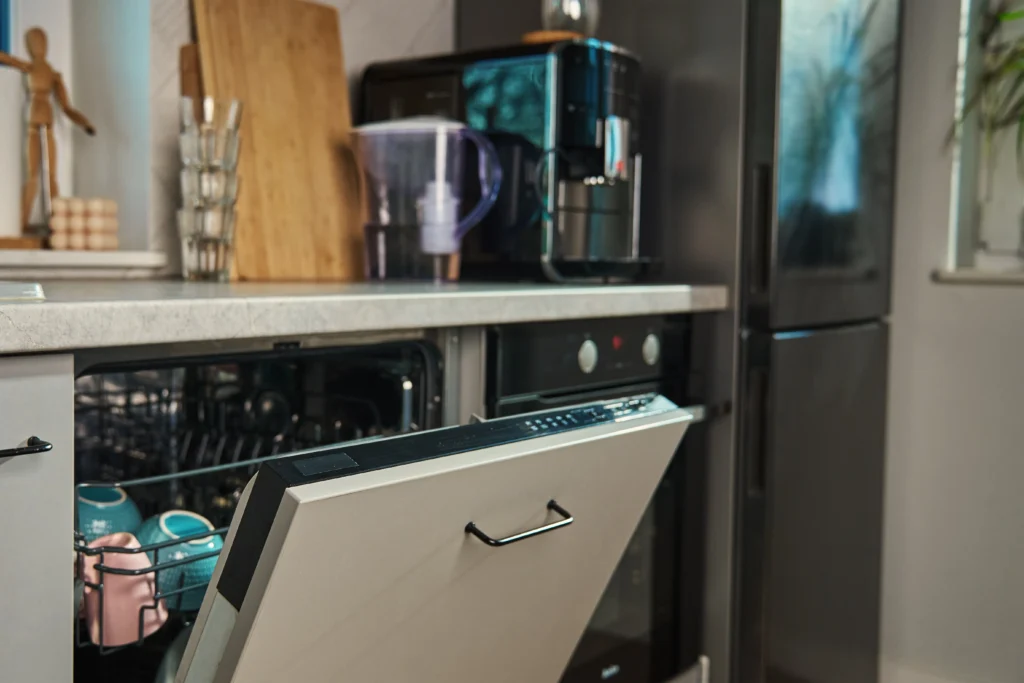
Arrange dishwasher service when errors return, controls remain unresponsive, or a leak or drainage problem persists. Share the full model number, recorded code, symptom, and any documented steps already completed.
Routine maintenance supports normal use, but it cannot repair every operating fault. Follow the model’s instructions for accessible filter cleaning and permitted products. Avoid promising that detergent changes, cleaning, or repeated restarts will prevent future errors.
Conclusion
The right approach to how to reset LG dishwasher controls starts with the model manual and the actual symptom. Check door closure, verify lock instructions, and record errors before any documented restart. A cleared screen does not confirm a repair. For recurring faults, contact My Appliance Guy at (440) 409-4541 to discuss dishwasher service in Northeast Ohio.